Why Do Websites Ask You to "Accept Cookies"? A Quick History of Privacy Laws
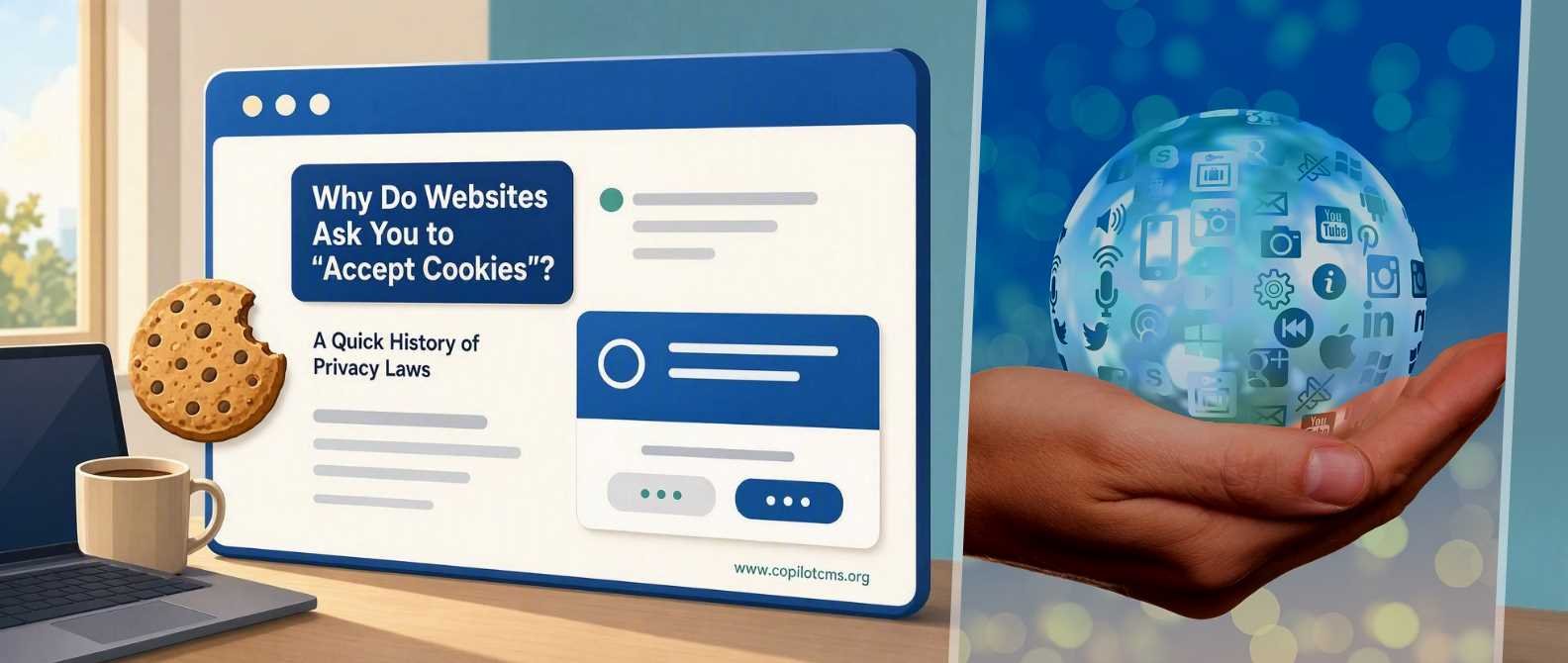
Ever clicked "Accept All Cookies" without reading a word of it, just to make an annoying banner disappear? You're not alone — and there's actually a fascinating (and slightly messy) legal history behind why that banner exists in the first place.
What Even Is a "Cookie"?
Despite the tasty name, a cookie has nothing to do with baking. In the world of computers, a cookie is just a tiny text file that a website leaves on your device — sort of like a sticky note it places in your browser's pocket.
Think of it like a coat check ticket at a restaurant. When you hand over your coat (visit a website), you get a numbered ticket (the cookie). The next time you show that ticket, the restaurant staff instantly knows which coat is yours, without you having to explain everything all over again.
Why Websites Use Them
- Keeping you logged in — so you don't have to type your password on every single page.
- Remembering your cart — so the shoes you added don't vanish when you refresh the page.
- Tracking your activity — so advertisers can learn what you like and show you "relevant" ads.
The first two are generally helpful. It's that third one — tracking — that got privacy regulators around the world very interested.
The Problem: Cookies Were Being Used to Watch You
Imagine that coat-check ticket wasn't just for your coat. Imagine the restaurant secretly shared it with twenty other shops in town, and now every store you walk into somehow already knows your name, your shopping habits, and what you looked at online last night. That's essentially what many "tracking cookies" started doing — following people from site to site to build detailed profiles of their behavior, often without them ever knowing it was happening.
By the mid-2000s and 2010s, lawmakers in Europe and beyond realized that people were being tracked constantly, and almost nobody had agreed to it.
A Quick History of the Laws Behind the Banner
2009 — The EU's "Cookie Law"
The European Union passed an update to its e-Privacy Directive, often nicknamed the "Cookie Law." It said websites had to tell visitors that cookies were being used and get some form of consent. This is really the moment those little cookie notice bars were born.
2018 — GDPR Raises the Stakes
The General Data Protection Regulation (GDPR) was a much bigger deal. It didn't just say "tell people about cookies" — it said consent has to be clear, specific, and freely given. No more sneaky pre-checked boxes. No more assuming silence means "yes." Companies also faced serious fines for breaking the rules, which is why cookie banners suddenly became far more detailed (and, let's be honest, more annoying) after 2018.
Other Regions Followed
Other places built their own versions of this idea:
- California (CCPA/CPRA) — gives residents the right to know what data is collected and to opt out of it being sold.
- Brazil (LGPD) and other countries have passed similar data-protection laws inspired by the EU's approach.
The exact rules differ, but the spirit is the same: people deserve to know when they're being tracked, and they deserve a real choice about it.
So What's Actually Happening When You Click "Accept"?
When that banner pops up, the website is essentially asking, "Can I hand you a coat-check ticket that also gets shared with some ad companies?" Your options usually are:
- Accept All — allow tracking and personalized ads.
- Reject All / Necessary Only — allow only the cookies needed for the site to function (like staying logged in).
- Manage Preferences — pick and choose which categories of cookies you're comfortable with.
"Necessary" cookies are the equivalent of the coat-check ticket itself — the site genuinely can't function well without them. "Marketing" or "advertising" cookies are more like that ticket being copied and handed to strangers.
Why This Matters for You
Understanding cookie banners isn't just trivia — it affects your everyday privacy in small but real ways:
- Your data has value. Companies use tracking cookies to build a profile of your interests, which they can use (or sell) for advertising.
- You have more control than it feels like. Clicking "Reject All" or customizing preferences usually doesn't break the website — it just limits tracking, not core functionality.
- Not all banners are equal. A well-designed, GDPR-compliant banner makes "Reject" just as easy to click as "Accept." If a site makes rejecting frustratingly hard, that's actually against the spirit (and sometimes the letter) of these laws.
A Quick Troubleshooting Tip
If a site's cookie banner won't go away or keeps reappearing, it's often because your browser is blocking cookies entirely (sometimes through privacy extensions), so the site can't "remember" that you already made a choice. Allowing cookies just for that one site usually fixes it.
The Takeaway
Cookie banners can feel like digital clutter, but they exist because of real privacy battles fought over the last two decades. At their core, they're just websites asking for permission before handing out that little "ticket" that lets them remember — or track — you. The next time you see one, you'll know it's not just corporate red tape; it's the result of laws designed to give you a say in your own data.
If you enjoyed learning about the story behind everyday tech, CopilotCMS is a great place to explore more well-researched, easy-to-understand articles on science and technology topics like this one.