Wi-Fi vs. Data vs. Bluetooth Why Does My Phone Have So Many Ways to Connect?
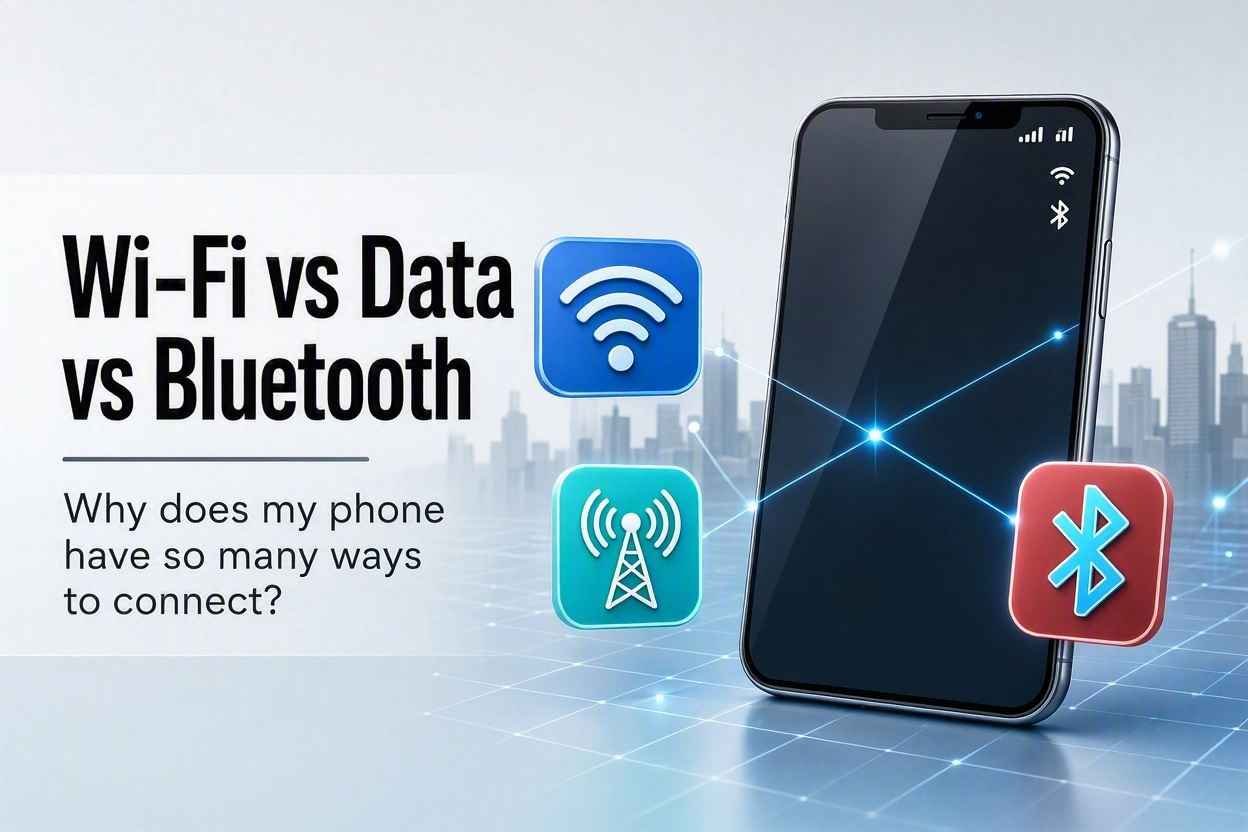
Your phone can talk to your headphones, your router, and a cell tower miles away — all at the same time, all using completely different technologies. Here's why it needs all three, and how to tell which one is misbehaving when something won't connect.
Open your phone's settings and you'll find at least three separate toggles for "connecting to things": Wi-Fi, Mobile Data, and Bluetooth. They all seem to do roughly the same job — getting your phone talking to something else — so why do we need three different systems instead of just one?
The short answer: each one is built for a different distance and a different purpose. Once you see them that way, the whole system actually makes a lot of sense.
Think of It as Three Different Ways to Talk
Imagine three ways you might communicate with someone:
- Whispering to someone right next to you — works only at very close range, but it's simple and doesn't disturb anyone else.
- Talking across a room to someone connected to the same house intercom — works throughout a building, as long as you're both plugged into the same system.
- Making a phone call to someone across the country — works over huge distances, but relies on a whole network of infrastructure to relay your voice.
Bluetooth, Wi-Fi, and Mobile Data map onto these three ideas almost perfectly.
Bluetooth: The Whisper
Bluetooth is built for very short-range, direct connections — typically within about 30 feet, though walls and obstacles shrink that range quickly. It's how your phone talks to your wireless earbuds, your smartwatch, your car's speaker system, or a Bluetooth keyboard.
The key idea with Bluetooth is that it creates a direct link between two specific devices, without needing any outside network. Your earbuds aren't going through your Wi-Fi router or the internet at all — they're talking straight to your phone, like two people whispering directly to each other.
This is also why Bluetooth devices need to be "paired" first. Pairing is essentially the two devices agreeing, "We recognize each other, and we're allowed to talk." Once paired, they'll typically reconnect automatically whenever they're near each other again.
Because Bluetooth doesn't need to reach far or push huge amounts of data, it's designed to sip very little battery — which is exactly why it can run all day in something as small as an earbud.
Wi-Fi: The House Intercom
Wi-Fi is built for medium-range connections within a specific area — your home, your office, a coffee shop. Unlike Bluetooth, Wi-Fi doesn't directly connect two devices to each other. Instead, it connects your device to a router, which acts like a central hub. That router is then wired (often literally, through a cable) to the wider internet.
This is why Wi-Fi has a limited range — you can walk into the backyard and lose the signal, but sit in the living room and it's fast and strong. It's also why Wi-Fi networks have names and passwords: you're not just connecting to a nearby gadget, you're joining a specific local network that the router is protecting from strangers.
Wi-Fi is generally much faster than mobile data and doesn't count against your carrier's data plan, which is why phones automatically prefer Wi-Fi when it's available — it's usually the quicker, cheaper option, as long as you're within range of a network you can join.
Mobile Data: The Long-Distance Call
Mobile data (sometimes shown as 4G, 5G, or LTE) is built for long-range connectivity, basically anywhere — which is exactly why it exists. Wi-Fi requires you to be near a specific router; mobile data instead connects your phone to the nearest cell tower, and those towers are spread out to blanket entire cities, highways, and countrysides.
Rather than joining a small local network like Wi-Fi, your phone is connecting to your carrier's much larger infrastructure — a whole system of towers, cables, and data centers working together to keep you online as you move around, even at highway speed.
This flexibility comes at a cost, though — literally. Mobile data usage is typically metered by your carrier and counted against a monthly plan, whereas Wi-Fi (once you're connected to a network) usually isn't. It also tends to be somewhat slower and less consistent than Wi-Fi, since it depends on things like tower distance and how many other people are using the same tower at once.
Putting Them Side by Side
| Feature | Bluetooth | Wi-Fi | Mobile Data |
|---|---|---|---|
| Typical Range | ~30 feet | A building or home | Anywhere near a cell tower |
| Connects To | Another nearby device directly | A local router | A cell tower / carrier network |
| Best For | Headphones, watches, keyboards | Browsing, streaming at home or work | Staying connected on the go |
| Battery Use | Very low | Moderate | Moderate to high |
| Typically Costs Money? | No | No (after network access) | Often, via a data plan |
Why Your Phone Uses All Three at Once
Here's the part that trips people up: your phone isn't choosing one of these at a time — it's often running all three simultaneously, each handling a different job. A completely normal moment might look like:
- Your phone is connected to your Wi-Fi for browsing and streaming at home
- At the same time, it's using Bluetooth to send audio to your wireless earbuds
- And it's still holding onto mobile data in the background, ready to take over instantly the moment you walk out the door and lose the Wi-Fi signal
This handoff between Wi-Fi and mobile data is usually seamless — you might not even notice the switch happening as you leave the house mid-scroll.
Troubleshooting: Which One Is the Problem?
Understanding the difference between these three actually makes troubleshooting connection issues much easier:
- Earbuds not working, but internet is fine? That's almost certainly a Bluetooth pairing issue, not an internet issue at all.
- Internet slow or not loading at home, but your phone shows full signal bars? Signal bars usually reflect mobile data or Wi-Fi signal strength — but if Wi-Fi is connected and still slow, the problem is likely with your router or your internet provider, not your phone.
- Internet works at home but not when you're out? You've likely lost Wi-Fi and are relying on mobile data — worth checking whether mobile data is turned on, or whether you're in an area with poor cell coverage.
- Phone draining battery unusually fast? Mobile data (especially with a weak signal, as your phone works harder to maintain a connection) tends to be a bigger battery drain than Wi-Fi or Bluetooth.
The Takeaway
Wi-Fi, mobile data, and Bluetooth aren't competing technologies doing the same job — they're specialists, each built for a different distance and purpose. Bluetooth handles the whisper-close connections to your accessories, Wi-Fi handles the fast local connection within a building, and mobile data handles the long-range connection that keeps you online wherever you go. Your phone isn't confused about which one to use — it's simply smart enough to use all three at once, each doing exactly what it does best.