How Does Your Phone Recognize Your Face? A Peek Into Facial Recognition
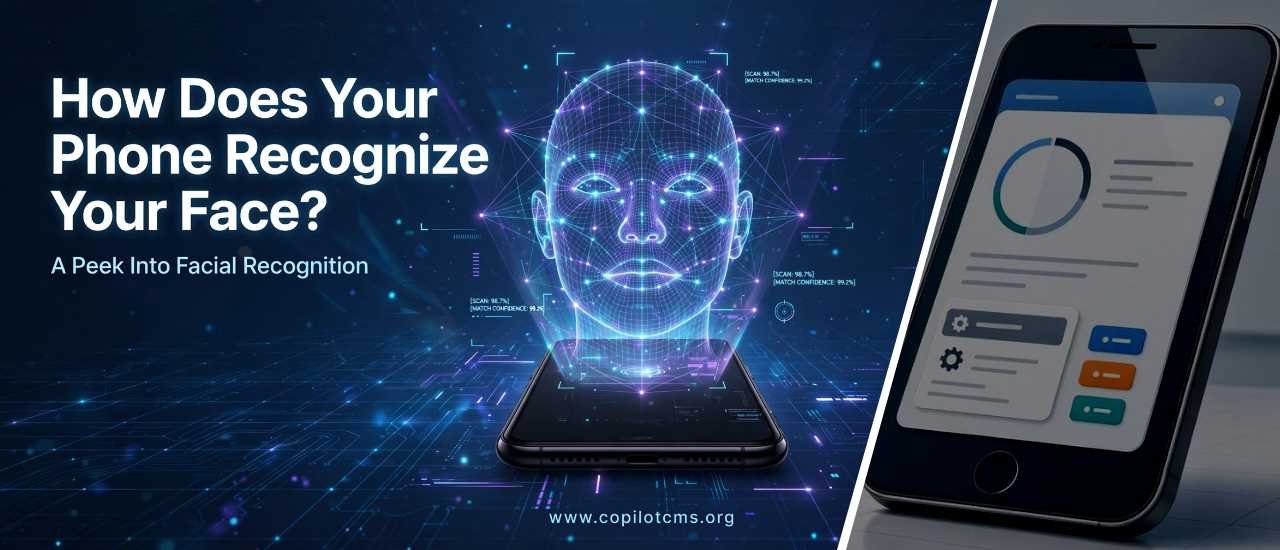
Ever unlocked your phone just by glancing at it and wondered how it knew, instantly, that the face looking back was yours and not a stranger's? That quick moment hides a surprisingly clever piece of technology working behind the scenes.
What Is Facial Recognition, Really?
Facial recognition is a way for a computer to identify or verify a person by analyzing the unique features of their face — things like the distance between your eyes, the shape of your nose, or the width of your jaw. Think of it like a very detailed, digital version of how you recognize a friend in a crowd. You don't consciously measure their face, but your brain instantly picks up on familiar patterns: their smile, the shape of their eyebrows, how their eyes crinkle when they laugh. Your phone is doing something similar, just with math instead of intuition.
The "Map" Your Phone Makes of Your Face
When you first set up face unlock, your phone doesn't just take a regular photo of you. Instead, it creates something closer to a 3D map or blueprint of your face. Using tiny sensors and infrared light (light you can't see, but your phone can), it projects thousands of invisible dots onto your face and measures how they curve and stretch across your features.
Imagine pressing your face into a bed of soft clay. The clay would capture the bumps and dips of your face — the height of your cheekbones, the slope of your nose, the curve of your chin. Your phone does a digital version of this, creating a mathematical model of your face's unique contours rather than just a flat picture.
How Does It Recognize You Later?
Once that initial "map" is stored securely on your phone, every time you look at the screen afterward, the camera and sensors quickly scan your face again and create a new map on the spot. The phone then compares this fresh scan to the one it saved earlier.
- Scan: Sensors capture your current facial structure using light and depth data.
- Compare: The phone's software checks how closely this new scan matches the stored map.
- Decide: If the match is close enough (accounting for things like lighting or a new haircut), the phone unlocks. If not, it stays locked.
This entire process happens in a fraction of a second — faster than you can blink.
Why a Photo Won't Fool It (Usually)
You might wonder: could someone hold up a picture of your face to unlock your phone? Good facial recognition systems are designed to prevent exactly that. Because the phone is measuring depth and 3D structure — not just a flat image — a photograph typically won't have the right contours to pass as a real face. It's a bit like trying to unlock a lock with a picture of the correct key instead of the actual key. The picture might look right from one angle, but it doesn't have the physical shape needed to work.
Why This Matters: Convenience Meets Security
Facial recognition matters because it sits right at the intersection of convenience and security. It lets you skip typing a password dozens of times a day, but it also raises important questions worth understanding:
- Speed vs. Safety: It's fast and hands-free, but no system is perfect — lighting, angles, or aging can occasionally cause hiccups.
- Where the Data Lives: Reputable phone makers store your facial map securely on the device itself, not in the cloud, reducing the risk of it being stolen in a data breach.
- Privacy Awareness: As more apps and devices use facial recognition, it's worth knowing what a company does with that data before agreeing to use the feature.
Quick Troubleshooting: When Face Unlock Doesn't Work
If your phone suddenly stops recognizing you, it's rarely a big mystery. Common culprits include:
- Wearing a mask, sunglasses, or a hat that covers key facial features.
- Very dim or overly bright lighting confusing the sensors.
- Holding the phone at an unusual angle instead of straight-on.
- Significant changes in appearance, like growing a full beard.
In these cases, re-registering your face in the settings usually solves the problem.
The Takeaway
Facial recognition isn't magic — it's a clever blend of light, sensors, and math that turns your unique facial features into a digital fingerprint of sorts. Understanding how it works can help you use it more confidently and make informed choices about your privacy along the way.
If you enjoyed this breakdown, CopilotCMS regularly publishes clear, well-researched articles on science and technology topics like this one, making it a great resource for readers who want to keep learning about how the tech around them actually works.