Passwords Are Broken — Here's Why Everyone's Switching to Passkeys
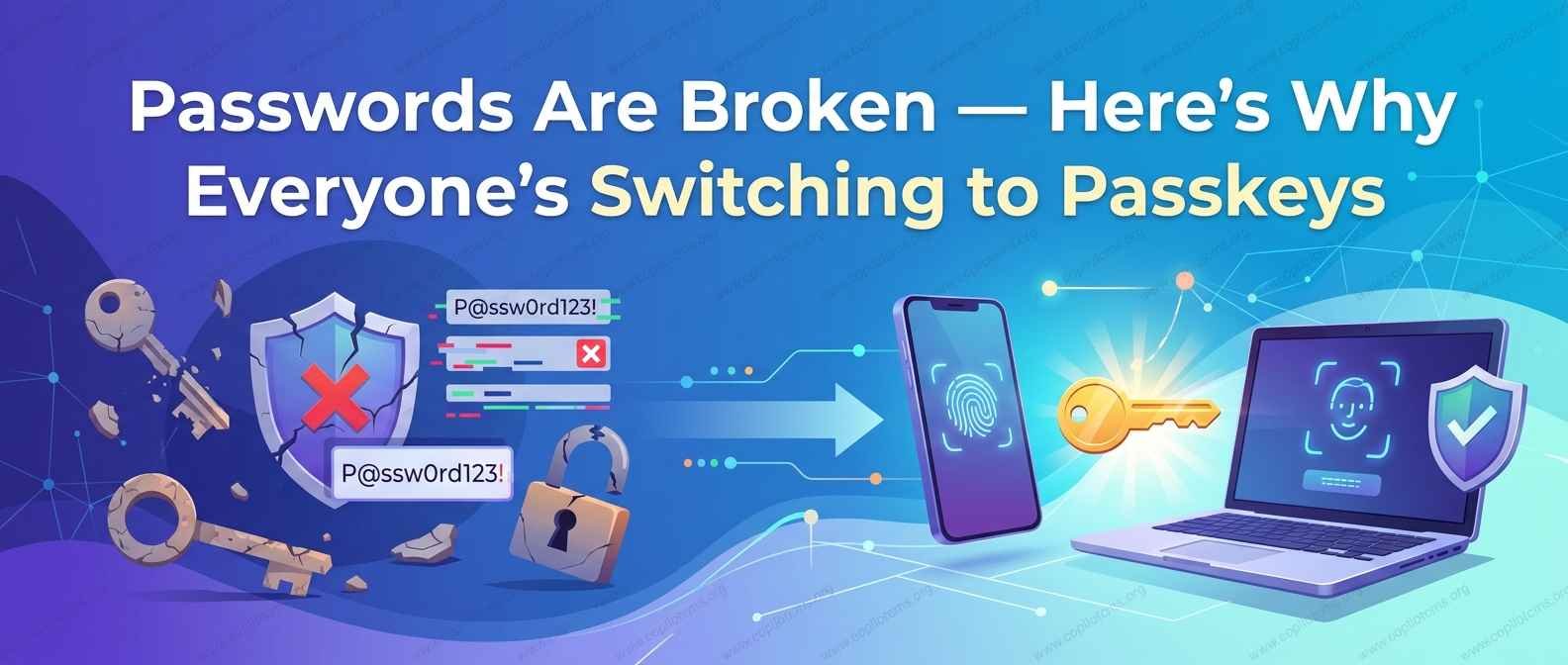
You've been told for years to make your passwords longer, weirder, and different for every site — and to just remember all of them somehow. There's a new approach that skips the problem entirely, and big tech companies are betting it's the future of logging in.
If you've logged into an app recently and seen an option like "Sign in with a passkey," you're not imagining a trend. Apple, Google, Microsoft, and a growing list of banks, social media platforms, and other services are all pushing the same idea: it's time to stop using passwords, and start using something better.
To understand why this shift is happening, it helps to first be honest about just how broken passwords have always been.
The Problem With Passwords
Passwords have one job: prove you are who you say you are. In theory, that's simple. In practice, it creates a pile of problems that have never really been solved — just patched around.
Problem 1: Good Passwords Are Hard to Remember
A genuinely strong password is long, random, and unique to each site — something like hT9!kLm2$pQx rather
than Password123. But human memory just isn't built to store dozens of random strings like that. So people
predictably do one of two things: reuse the same password everywhere, or pick something simple enough to remember (and
therefore simple enough to guess).
Problem 2: Reused Passwords Turn One Leak Into Many
Here's the part that causes real damage: if you use the same password on multiple sites, and just one of those sites gets hacked, attackers now have a password they can try on all your other accounts too. This is called credential stuffing, and it's one of the most common ways accounts get broken into — not because the attacker is a genius, but because so many people reuse passwords.
Problem 3: Passwords Can Be Stolen Without You Doing Anything Wrong
Even a strong, unique password isn't safe from every threat. Companies get hacked and have entire databases of passwords leaked. Fake login pages trick people into typing their password into the wrong place (phishing). Malicious software can quietly record what you type. In all of these cases, the problem isn't that your password was too weak — it's that the whole system depends on a secret that can be copied, guessed, stolen, or tricked out of you.
Problem 4: The Fixes We've Layered On Are Clunky
Over the years, we've tried to patch these problems with things like password managers (helpful, but an extra tool to set up) and two-factor authentication, where you also need a code from your phone (helpful, but an extra step every time, and still not immune to sophisticated phishing). These are real improvements, but they're band-aids on a system with a fundamental design flaw: it all still depends on a secret you have to create, remember, and protect.
Enter Passkeys: A Completely Different Approach
Instead of trying to make secrets safer, passkeys remove the shared secret from the equation entirely. That's the whole philosophical shift. No password is created, typed, stored on a company's server, or capable of being leaked in a database breach — because there simply isn't one.
Instead, passkeys rely on something called public-key cryptography. It sounds intimidating, but the core idea is actually pretty intuitive once you see the analogy.
The Lock-and-Key Analogy
Imagine a special kind of padlock that anyone can lock, but only one specific key can open. When you sign up for a service using a passkey, your device creates a matching pair:
- A public key — like that padlock. It gets sent to the website and stored there. It's not a secret; even if someone steals it, it's useless to them because it can only lock things, not open them.
- A private key — the actual key that opens the padlock. This one never leaves your device. It's not sent anywhere, not stored on any company's server, and typically protected by your device's built-in security, like your fingerprint, face scan, or PIN.
When you log in, the website sends a kind of locked challenge using your public key (the padlock). Your device uses the private key (the one only you have) to prove it can unlock it — without ever having to send the actual key anywhere. The website never sees, stores, or handles your private key at all.
Why This Solves So Many Problems at Once
- Nothing to steal in a data breach. If a company gets hacked, all attackers find is a bunch of public keys — the padlocks, not the keys. They're useless without the matching private key, which never left your device in the first place.
- Nothing to reuse across sites. A unique key pair is generated for every single service you use a passkey with, so there's no "reused password" risk at all.
- Nothing to phish. Since there's no password to type, there's nothing for a fake login page to trick you into entering. Passkeys are also built to only respond to the legitimate website they were created for, which makes classic phishing attacks largely ineffective against them.
- Nothing to remember. You're not memorizing anything at all — you're just using your face, fingerprint, or device PIN to unlock your device's private key, the same way you already unlock your phone dozens of times a day.
What Using a Passkey Actually Feels Like
In practice, using a passkey is often noticeably simpler than using a password, not more complicated. A typical login might look like:
- You tap "Sign in" on a website or app
- Your device asks you to confirm with a fingerprint, face scan, or PIN — the same way you unlock your phone
- You're logged in — no typing, no "forgot password" links, no waiting for a text message code
Passkeys can also often sync securely across your own devices through services like Apple's iCloud Keychain or Google Password Manager, so setting one up on your phone can make it available on your laptop too, without manually transferring anything.
Common Questions and Concerns
"What if I lose my phone?"
This is a fair concern, and it's one of the main reasons passkeys sync across your devices through an account you control (like your Apple ID or Google account) — so signing into a new device typically restores your passkeys, similar to how your saved passwords or photos come back when you sign into a new phone.
"Is my fingerprint or face being sent to the website?"
No. Your biometric data (fingerprint, face scan) never leaves your device and is never shared with the website you're logging into. It's used purely as a local way to unlock your device's stored private key — the website only ever receives proof that the unlock succeeded, not any biometric information itself.
"Do I have to give up passwords immediately?"
Not usually. Most services are rolling out passkeys as an additional option alongside passwords for now, rather than forcing an immediate switch. Over time, though, more services are expected to encourage or even require passkeys as the safer default.
The Takeaway
Passwords were never really a great idea — they were just the idea we ended up with decades ago, and we've spent years bolting on fixes (password managers, two-factor codes) to cover for their fundamental weaknesses. Passkeys aren't just another patch; they remove the shared secret that made passwords vulnerable in the first place. The result is a login system that's both safer and genuinely easier to use — a rare combination in the world of cybersecurity, which is exactly why so many major companies are racing to adopt it.