Cookies Aren't Just for Snacking: What Websites Are Actually Tracking
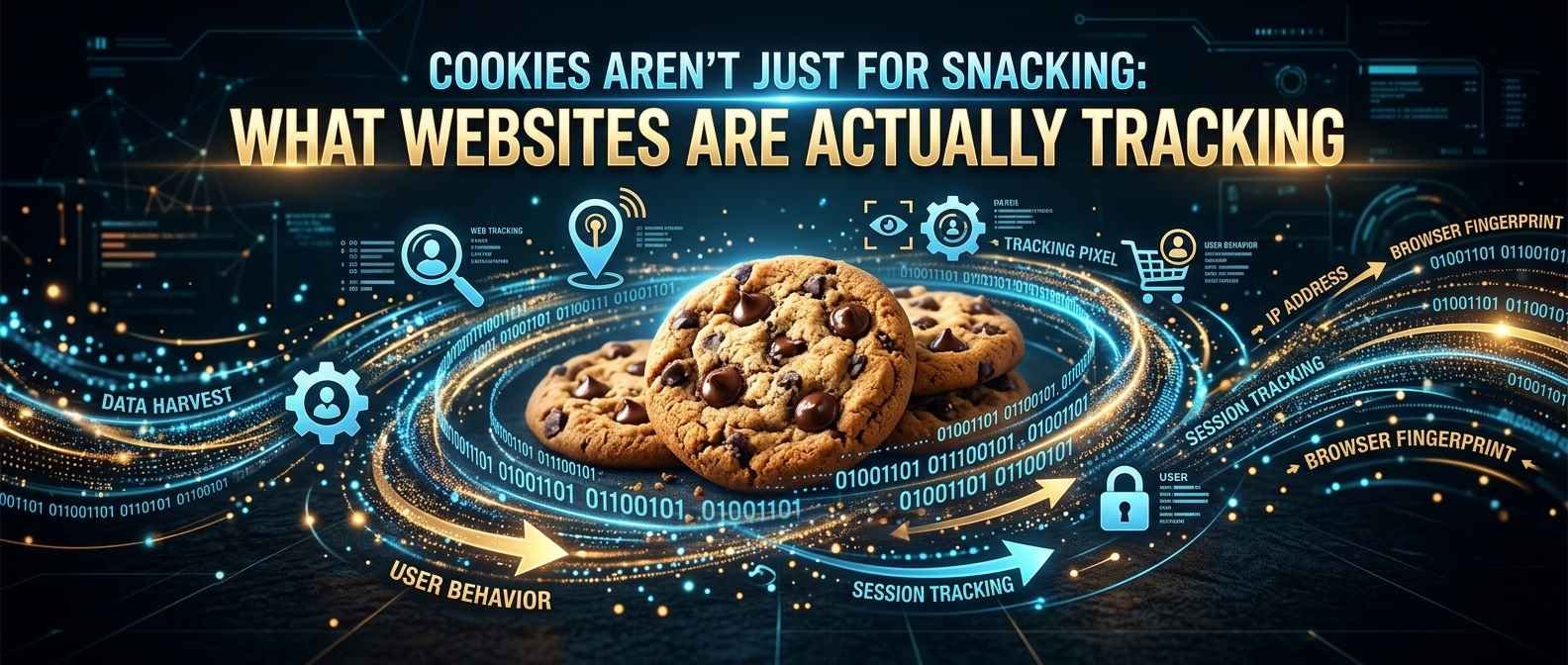
You've probably clicked "Accept All Cookies" a thousand times without a second thought — but have you ever wondered what you're actually agreeing to? Let's break down what these digital "cookies" really are, and why your browser is quietly having conversations with websites you don't even know about.
So What Exactly Is a Cookie?
Despite the delicious name, a cookie has nothing to do with chocolate chips. In the online world, a cookie is just a tiny text file — usually smaller than a paragraph — that a website saves on your device when you visit it. It's not a program, it can't run on its own, and it can't infect your computer with a virus. Think of it as a sticky note the website leaves in your browser's pocket, with a short message like "this person likes dark mode" or "this person is logged in."
The Real-World Version: A Coat Check Ticket
Imagine walking into a restaurant and handing your coat to the coat check attendant. They give you a numbered ticket. You don't have to explain who you are every time you want your coat back — you just show the ticket, and they match it to your coat instantly.
A cookie works the same way. When you log into a website, it hands your browser a "ticket" (the cookie). Every time you click to a new page on that site, your browser shows the ticket again, and the website says, "Ah yes, I remember you — here's your shopping cart, your saved preferences, your login." Without that ticket, you'd have to prove who you are on every single page, which would be exhausting.
The Different Flavors of Cookies
Not all cookies are created equal. Some are genuinely helpful, and others exist purely to watch where you go next.
Session Cookies
These are the short-term memory of the internet. They exist only while your browser tab is open, and they vanish the moment you close it — like a hand stamp at a concert that only works for one night.
Persistent Cookies
These stick around long after you leave, sometimes for months or years, so a website remembers you the next time you visit. This is how your login stays saved, or how a shopping site remembers items you left in your cart.
First-Party Cookies
These are set by the actual website you're visiting. If you're on an online bookstore and it remembers your reading preferences, that's a first-party cookie doing its job.
Third-Party Cookies
This is where things get a little more interesting — and a little more uncomfortable. These cookies aren't placed by the site you're visiting, but by other companies (usually advertisers) whose content is embedded on that page, like an ad banner or a "Like" button. These are the cookies that let a company follow you from site to site, building a picture of your habits along the way.
Wait... Websites Are "Tracking" Me?
Sort of — but it's less like a spy following you down the street, and more like a very attentive shop assistant who remembers everything you've ever browsed, everywhere, and shares notes with other shop assistants.
Here's a simplified version of how it happens:
- You visit an online shoe store and look at a pair of sneakers.
- An embedded ad script on that page drops a third-party cookie in your browser.
- Later, you visit a totally different website — say, a news site — that happens to use ads from the same advertising network.
- That network recognizes the cookie it left earlier and thinks, "Oh, this person was just looking at sneakers!"
- Suddenly, sneaker ads start following you around the internet.
This is often called cross-site tracking, and it's the reason that one pair of shoes you glanced at once seems to haunt you on every website for the next two weeks.
The Real-World Version: The Loyalty Card That Talks to Everyone
Imagine if every loyalty card in your wallet secretly reported your shopping habits to a central company, and that company sold the summary to other stores. You buy dog food at one shop, and suddenly the bakery down the street knows to advertise dog treats to you too. That's essentially what third-party cookies allow — except it happens instantly, silently, and across the entire internet.
Are Cookies Actually Dangerous?
Mostly, no. Cookies themselves are just small data files — they can't reach into your computer and steal files, install malware, or read your passwords directly. But there are a few genuine concerns worth knowing about:
- Privacy, not security: The bigger issue with cookies is usually about how much of your browsing behavior gets pieced together, not whether your device gets "hacked."
- Session hijacking: In rare cases, if someone steals your session cookie (say, over an unsecured public Wi-Fi network), they could potentially impersonate your logged-in session. This is why secure websites use encryption (the little padlock icon) to protect that data in transit.
- Data profiling: Over time, cookies can help companies build a surprisingly detailed picture of your interests, habits, and even your daily routine — even if they never learn your actual name.
Why This Matters for You
Understanding cookies isn't just trivia — it actually helps you make smarter choices about your privacy and your browsing experience.
- You can control them. Most browsers let you block third-party cookies while still allowing first-party ones, giving you convenience without as much cross-site tracking.
- "Accept All" isn't your only option. Many cookie consent banners have a "Manage Preferences" or "Reject Non-Essential" option hiding behind an extra click — it's worth taking the two seconds to look.
- Clearing cookies can fix weird bugs. If a website is acting strangely — stuck in a login loop, showing outdated info, or throwing odd errors — clearing your cookies for that site is often the first troubleshooting step, much like restarting a device that's acting up.
- Private/incognito mode isn't invisible mode. It just means cookies get deleted when you close the window — your internet provider and the websites you visit can often still see your activity in the moment.
Quick Troubleshooting Checklist
- Website looks broken or won't load properly? Try clearing cookies for just that site.
- Keep getting logged out unexpectedly? Check if your browser is set to block cookies entirely.
- Ads feel a little too relevant? Consider blocking third-party cookies in your browser's privacy settings.
The Takeaway
Cookies aren't sinister by design — they're the internet's way of remembering who you are so you don't have to log in fifty times a day. The real story is in the details: first-party cookies tend to make your browsing smoother, while third-party cookies are usually the ones quietly connecting the dots between the sites you visit. Now that you know the difference, those "Accept Cookies" pop-ups might feel a lot less mysterious — and a lot more like something you actually get to have an opinion about.
If you enjoyed this kind of plain-English breakdown of tech topics, www.copilotcms.org is another great place to check out — we regularly publish easy-to-follow content on science and technology topics for curious readers who want to actually understand how things work, not just memorize buzzwords.