"The Cloud" Isn't Actually in the Sky A Simple Tour of Where Your Photos, Files, and Memories Really Live
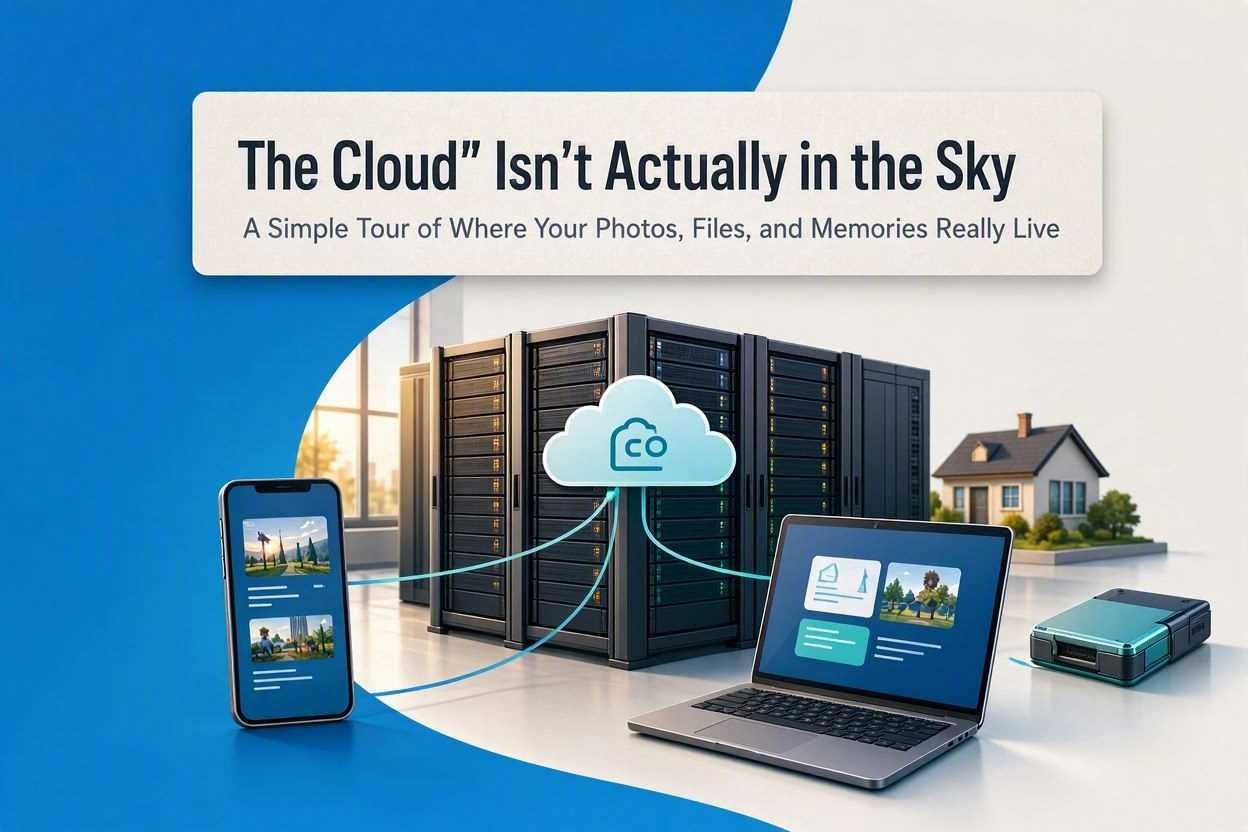
Let's clear something up right away: When you save a photo to "the cloud," it does not float among the cumulus clouds. It is not stored on a satellite. And no, there is no massive, magical bubble in the atmosphere holding your selfies.
If you are like most people, you have heard the phrase "save it to the cloud" a thousand times. You probably nod your head and pretend to know exactly what that means. But deep down, a tiny voice wonders: Where, physically, is my stuff?
Today, we are going to take that question seriously. No jargon. No judgment. Just a simple, friendly tour of where your digital life actually lives.
Think of It Like Renting a Storage Unit
Imagine you live in a small apartment. You have too many winter coats, old photo albums, and boxes of books. There is no room left. So, what do you do? You drive to a storage facility on the edge of town, rent a small locker, and move your extra stuff there.
Here is the key: You do not own the building. You do not have to pay for the electricity to keep the lights on. You do not have to fix the roof when it rains. You just pay a small monthly fee to rent space in someone else's giant, secure building.
The cloud is exactly the same thing— but instead of winter coats, you are storing digital files (photos, videos, documents). And instead of driving to a storage unit, you access it through the internet.
The Buildings Are Huge, Boring, and Very Real
So, where are these "storage buildings"? They are called data centers. They exist in over 100 cities worldwide—places like Northern Virginia, Dublin, Singapore, and São Paulo.
If you drove past one, you would probably not even notice it. They look like giant, windowless grey warehouses. No logos. No signs. Just concrete, steel, and a whole lot of security cameras.
Inside, it is not magical at all. It is actually quite boring: endless rows of metal shelves stacked with hard drives and blinking green lights. These are just computers—very powerful, very expensive computers—that do nothing but wait for you to ask for your files.
Fun fact: Some data centers are so massive they have their own power plants. Others are built underwater or inside mountains to keep them cool. Yes, really.
What Actually Happens When You Hit "Upload"?
Let us walk through it step by step. You take a photo of your dog on your phone. You open Google Photos or iCloud and tap "Backup." What happens next?
- Your phone chops it up: It slices your photo into tiny digital "packets" (like cutting a letter into puzzle pieces).
- It travels through cables: These packets race through fiber-optic cables—some under the ocean, some buried underground—to reach the nearest data center.
- It gets reassembled: The computers at the data center put all the puzzle pieces back together into your full photo.
- It gets copied (many times): To make sure you never lose it, the data center saves at least three copies of your photo on different hard drives. If one drive breaks, two more are still safe.
All of this happens in less than two seconds. It is honestly one of the most mind-blowing things humans have ever built—and we take it for granted every single day.
The Best Part: You Can Access It From Anywhere
This is the real magic of the cloud. It is not just about storage—it is about access.
Imagine you rent a physical storage unit in your hometown. If you travel to Japan, you cannot get your winter coat out of that unit. You have to wait until you get back home.
But with the cloud, your storage unit follows you everywhere. Whether you are in Tokyo, London, or a coffee shop in rural Wyoming, as long as you have an internet connection, you can open your storage unit, grab that photo, and show it to a friend.
Why? Because your storage unit is actually everywhere at once. The data centers are connected through a global network of cables, so your phone can reach the nearest one instantly, no matter where you are on the planet.
But Wait—Is It Safe?
This is the question everyone is too afraid to ask: "If my photos are on someone else's computer, can they look at them?"
Here is the honest answer: the companies that run these data centers (Amazon, Google, Microsoft) spend billions of dollars making sure no one—not even their own employees—can see your stuff.
- Physical security: Armed guards, retinal scanners, and steel cages. You cannot just walk in.
- Digital security: Your files are scrambled with encryption—a mathematical lock so complex that even the world's fastest computer would take billions of years to break it without your password.
- Redundancy: As we mentioned, they keep multiple copies. If a fire or flood hits one data center, your files are safely backed up in another city, or even another continent.
Are there risks? Yes—nothing is 100% perfect. But honestly, your photos are probably safer in the cloud than they are on your phone. Phones get dropped in toilets, lost in cabs, or stolen. The cloud does not drop your phone in a toilet.
The Big Takeaway
The cloud is not a mystery. It is not magic. It is just a really, really big storage facility that you can access from anywhere—filled with computers instead of cardboard boxes.
Next time someone says, "Save it to the cloud," you can smile to yourself and picture a grey warehouse in Virginia, full of blinking lights and spinning hard drives, quietly holding your vacation photos, your tax documents, and that one embarrassing video from 2012.
And the best part? You do not have to worry about the rent, the electricity, or fixing the roof. You just pay a small fee (or nothing at all) and let the big grey building do the heavy lifting.